iOS & Android
Keep the scene and your reaction in one finished file.
Bothie combines the scene in front of you and the person behind the camera into one photo or video. Everything is processed on-device.
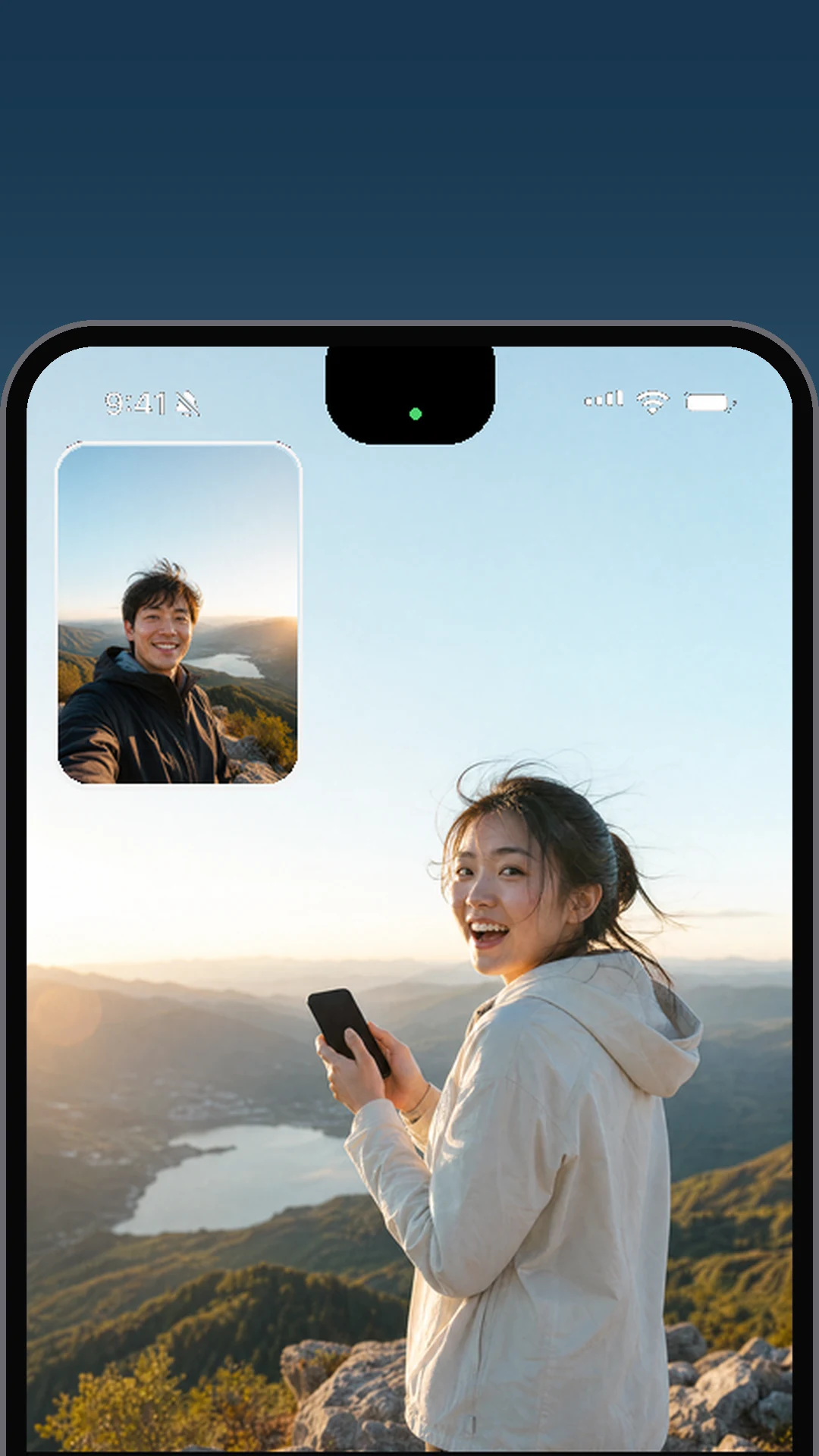
Keep the scene and your reaction in one finished file.
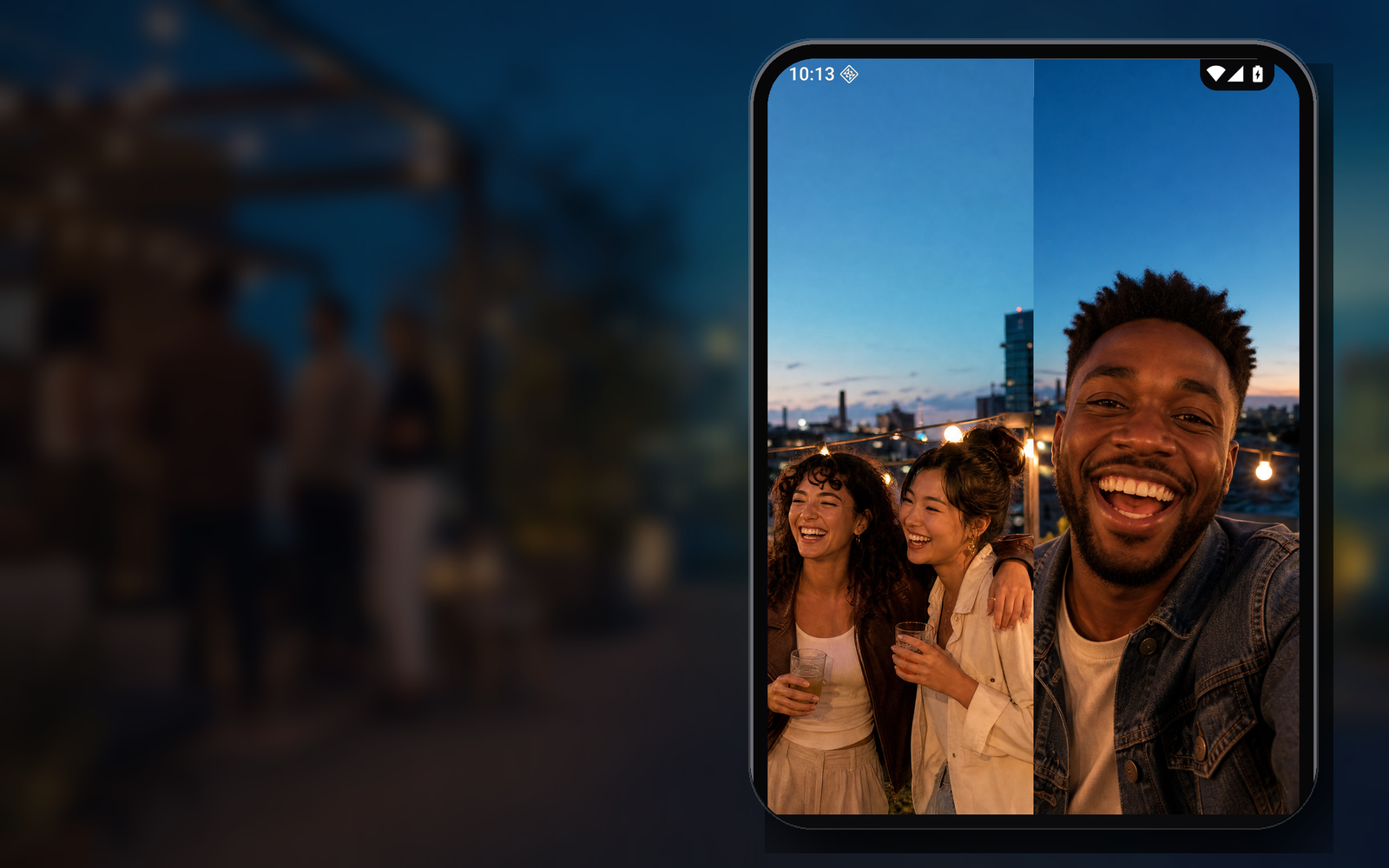
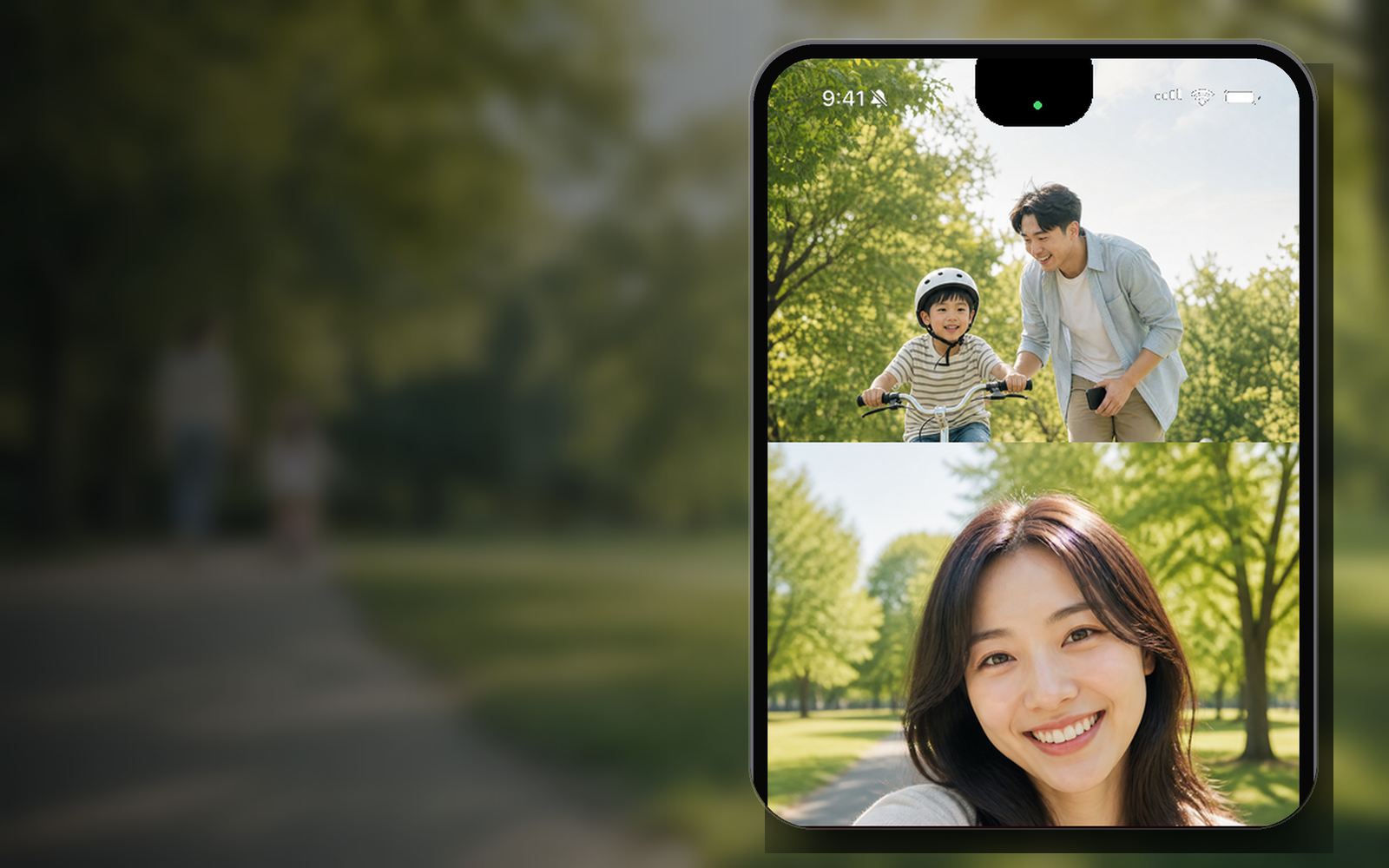
Picture-in-picture, side-by-side, or top-and-bottom.
Save the composed result to the system photo library.
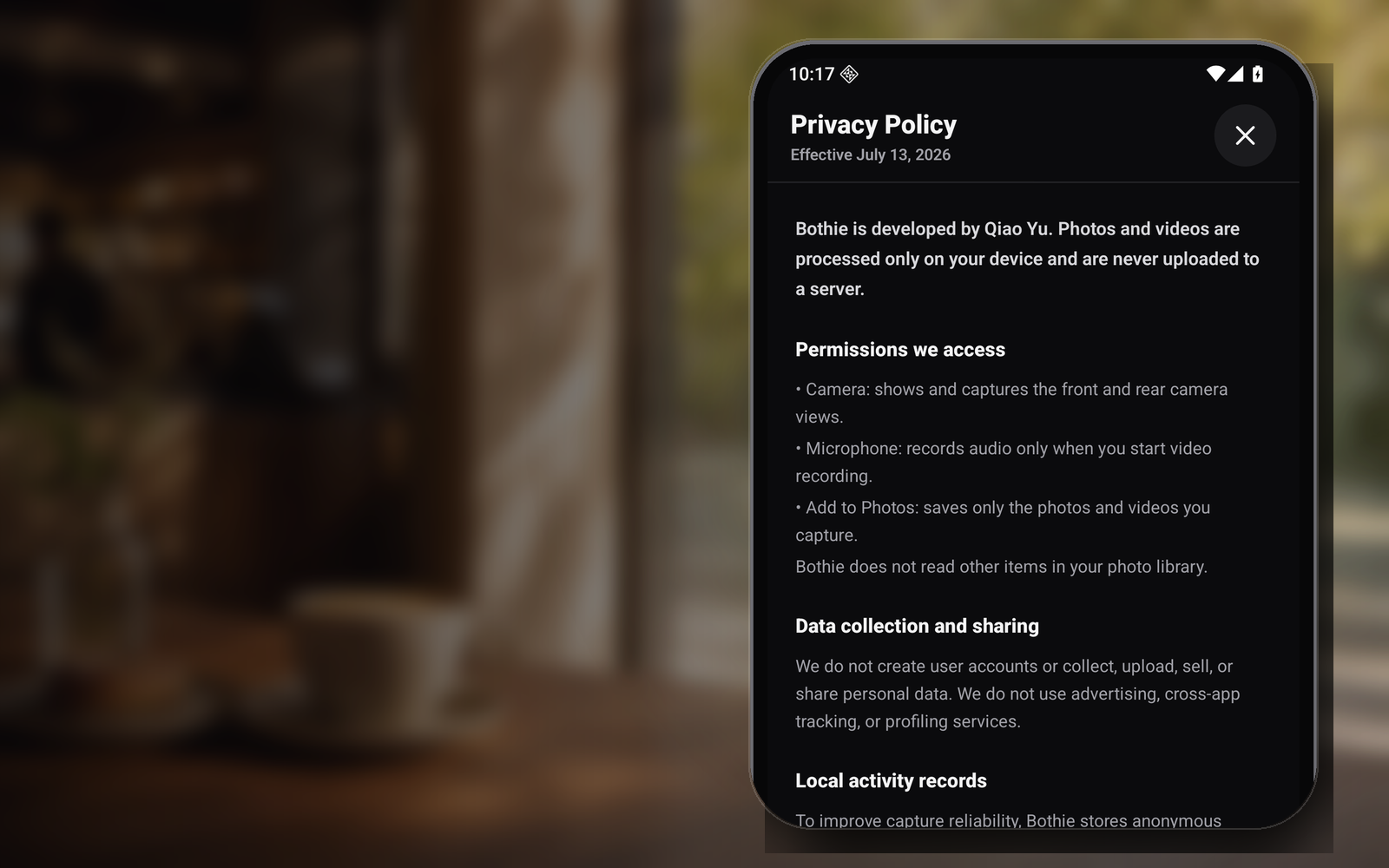
Photos and videos are never uploaded
Picture-in-picture, side-by-side, or top-and-bottom.
The view and your reaction, together.
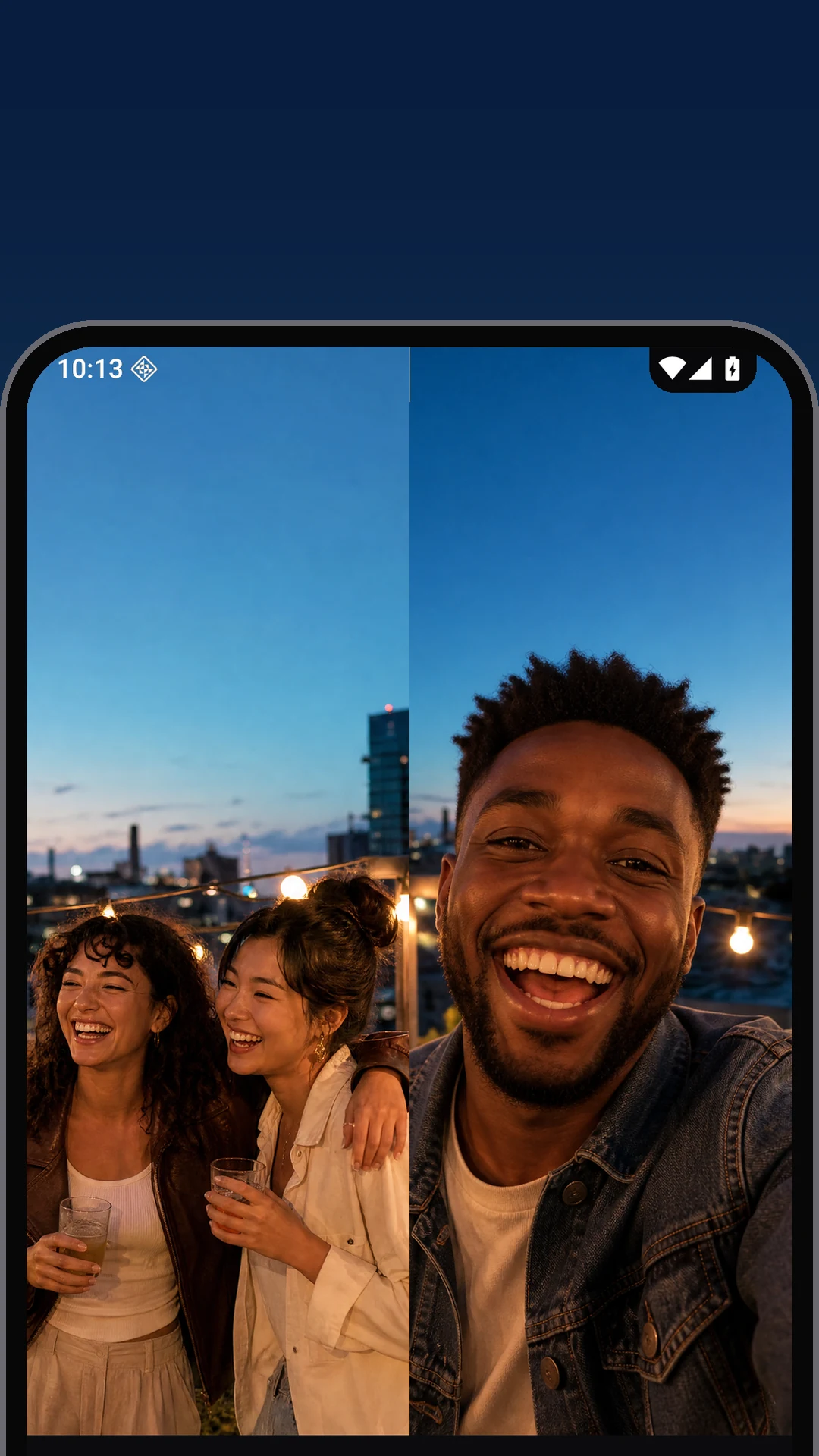
The photographer belongs in the story.
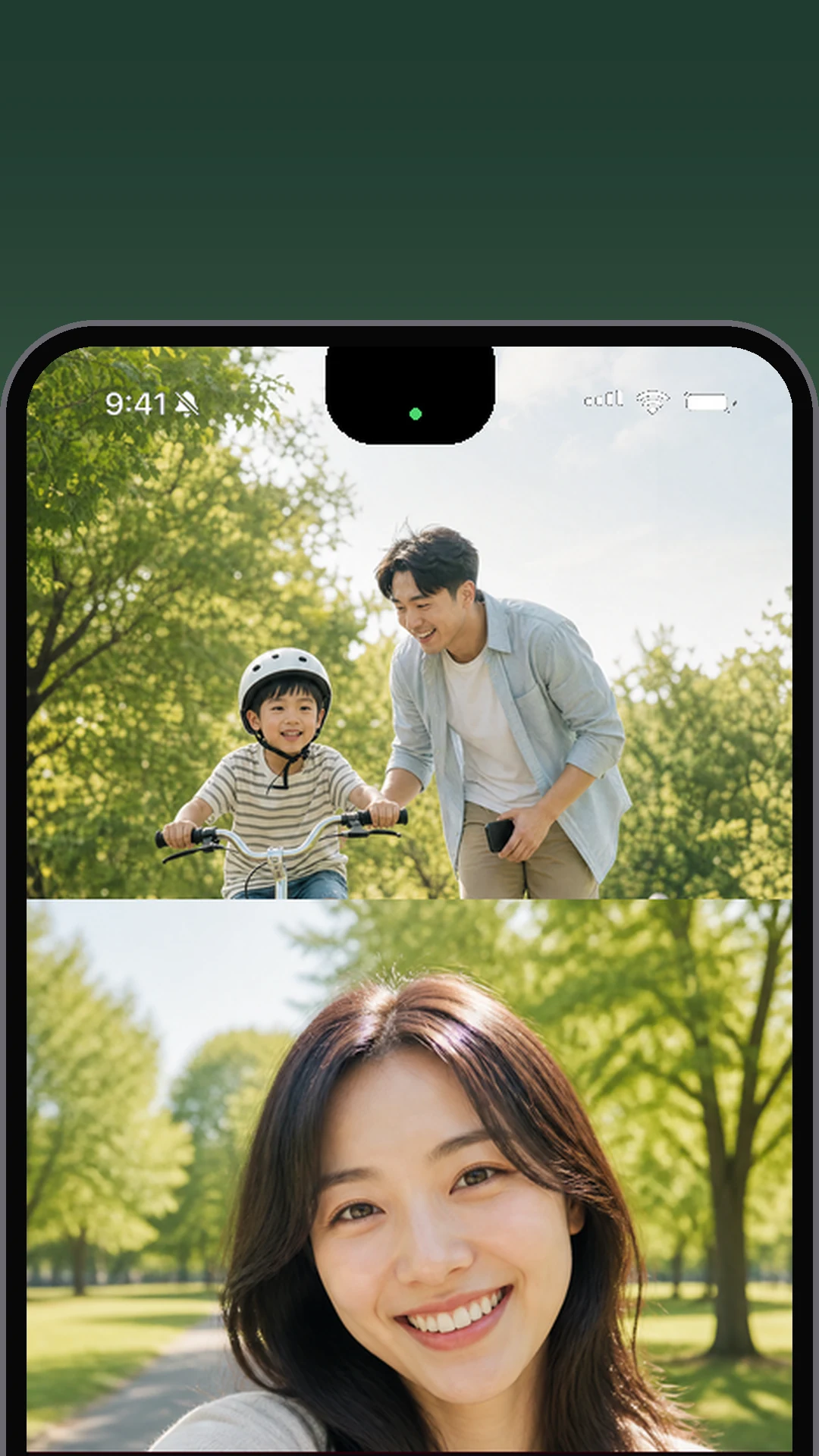
Every side of growing up matters.
On supported devices Bothie captures both cameras concurrently. Other devices switch automatically to guided two-step capture and still create one media file.
Keep the scene and your reaction in one finished file.
Picture-in-picture, side-by-side, or top-and-bottom.
Save the composed result to the system photo library.
Capture adapts to the camera capabilities of the device.
An immersive camera with clear states, no ads, and no interruptions.
Travel, friends, family, live events, and everyday discoveries—Bothie keeps the person filming inside the memory.
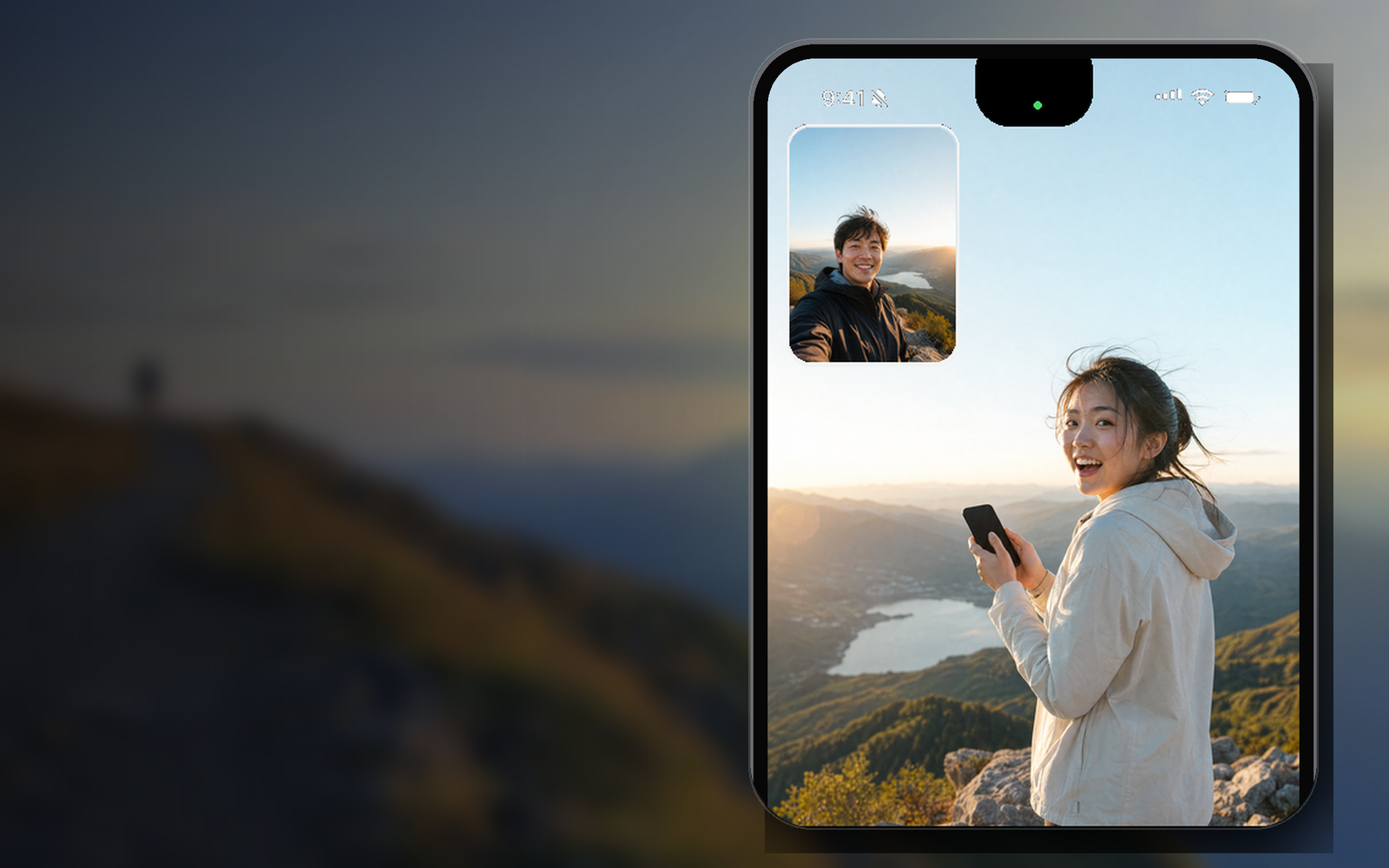
No account flow and no complicated setup. Bothie keeps the technology out of the way.
Arrange both views and swap the primary camera.
Use simultaneous capture or follow the guided second view.
One locally composed file is saved to the system library.
Whether you call it a dual camera app, front back camera, both-camera recorder, PiP camera, split-screen camera, or reaction video camera, Bothie gives the idea one focused place to capture.
Use Bothie as a dual camera app, two-camera recorder, or front-and-back camera app on supported Android phones and iPhones. Capture the view and the person filming in one composed result.
Learn more →Record or photograph with the selfie camera and back camera together on compatible devices. Bothie detects concurrent-camera support and provides a guided alternative when simultaneous capture is unavailable.
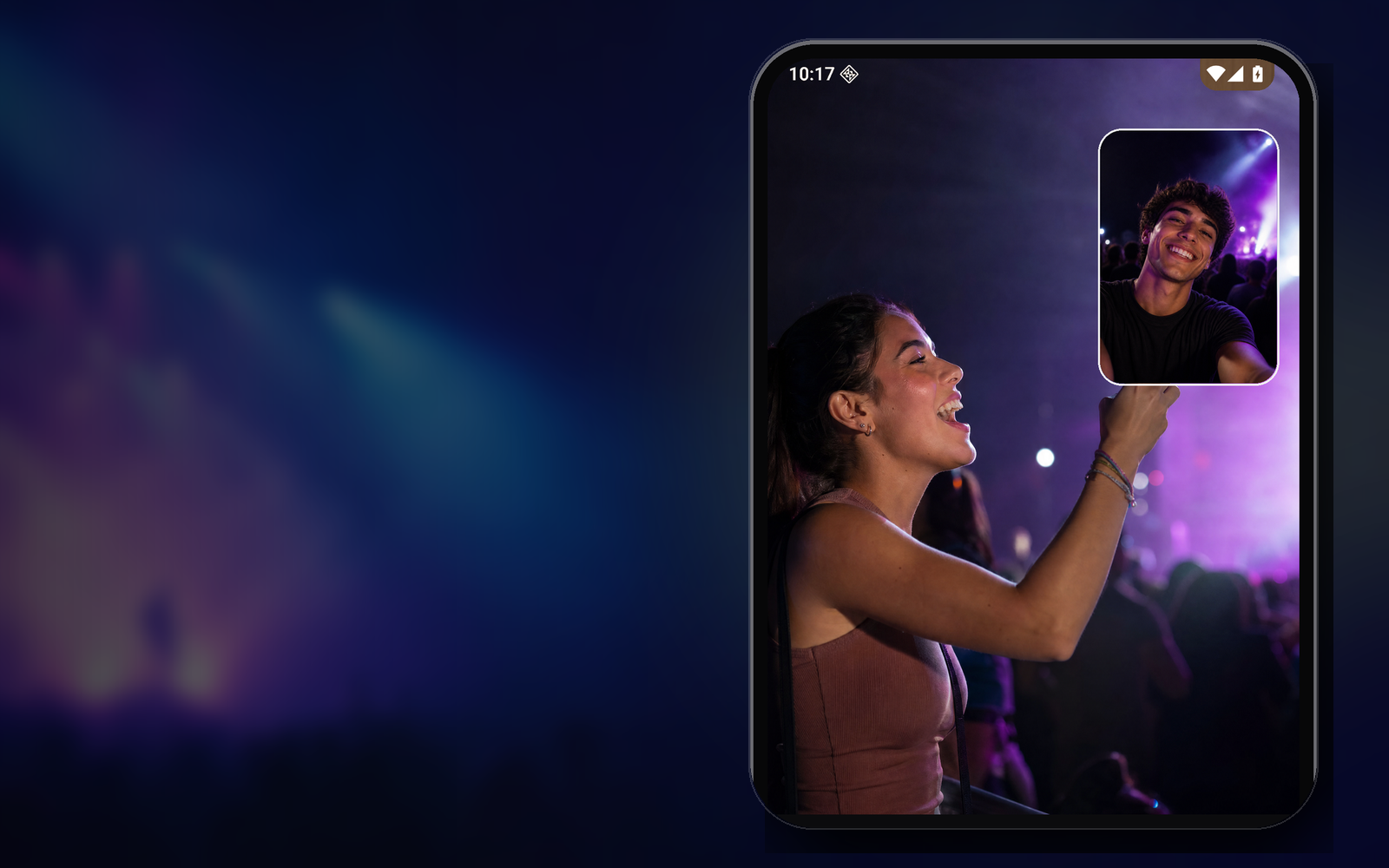
Learn more →Place a movable front-camera overlay above the rear scene. This PiP camera layout is designed for reaction videos, travel vlogs, tutorials, unboxings, food reviews, and product demonstrations.
Learn more →Choose a side-by-side camera view or a top-and-bottom split-screen layout for interviews, conversations, parent-and-child moments, performances, and vertical social video.
Keep a creator’s face and the action in the same frame. Bothie supports dual-view video ideas for vlogging, reactions, concerts, events, behind-the-scenes clips, interviews, and daily stories.
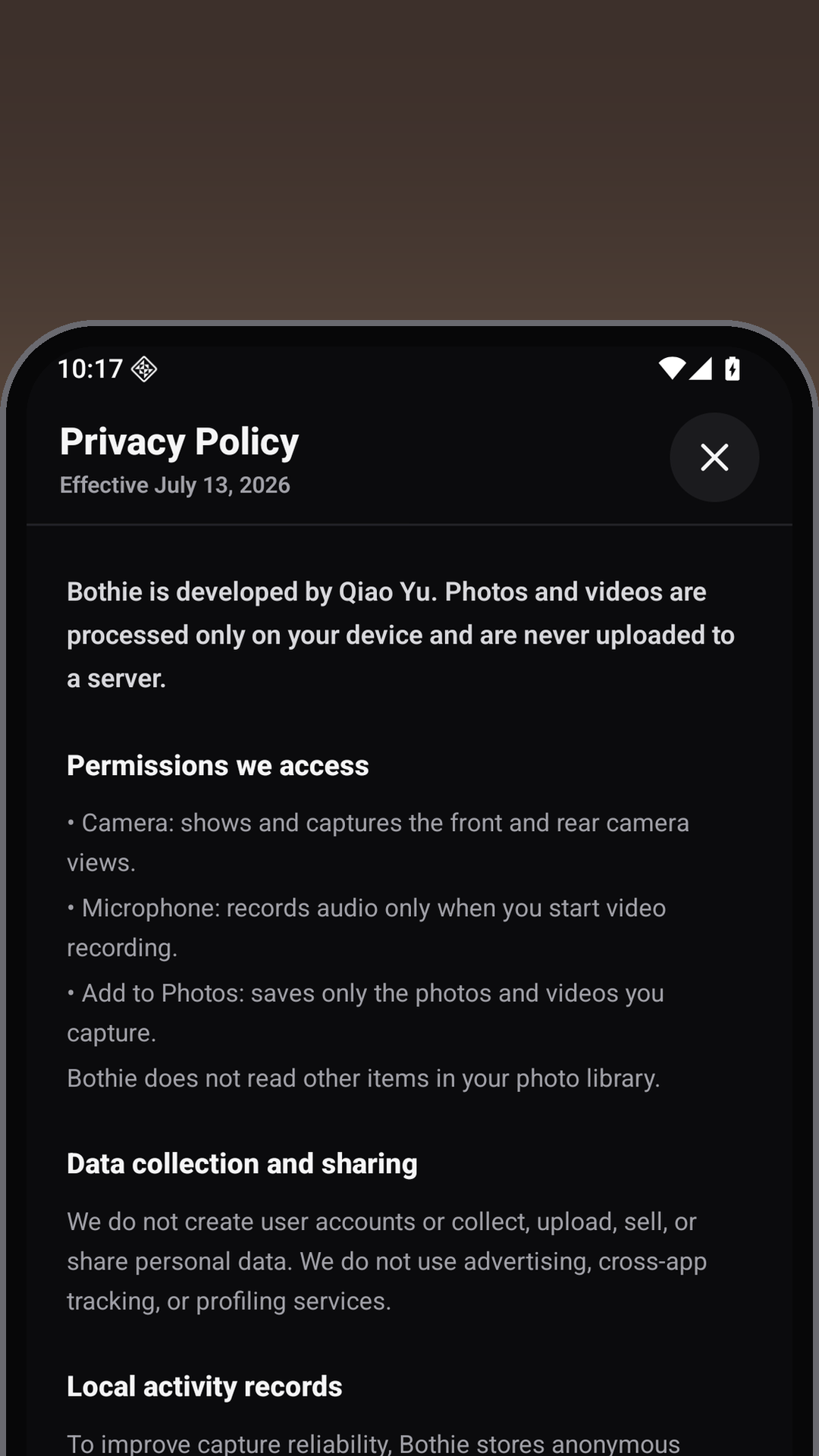
Bothie is a privacy-first camera with local photo and video processing. There is no account, social feed, advertising, media upload, cross-app tracking, or cloud composition.
Bothie is not a social network. It is an independent front-and-rear camera app for creating one local photo or video from two perspectives.
Practical dual-camera guides built around the questions people ask before they capture.
Learn how dual-camera capture works on Android and iPhone, how to frame both views, and what happens when a phone cannot run both cameras concurrently.
Read guide →Compare picture-in-picture, side-by-side, and top-and-bottom dual-camera layouts for travel, family, interviews, reactions, and live events.
Read guide →A practical guide to camera permissions, on-device processing, local saving, data disclosures, and the questions to ask before trusting a camera app.
Read guide →Answers about simultaneous front and rear camera recording, PiP video, split-screen layouts, compatibility, and private on-device capture.
Yes. On phones that support concurrent cameras, Bothie captures the front and rear cameras together. Other devices use a guided two-step capture and still create one composed photo or video.
Open Bothie, choose picture-in-picture, side-by-side, or top-and-bottom, compose both views, and start recording. Simultaneous dual-camera recording depends on the Android device’s camera capabilities.
Yes. Bothie supports iPhone and Android. Compatible iPhones can capture front and rear camera views concurrently, while Bothie adapts the capture flow to each device.
Picture-in-picture, also called PiP camera mode, places a movable front-camera window over the larger rear-camera scene. It works well for reactions, travel vlogs, tutorials, food reviews, and live events.
Bothie includes side-by-side and top-and-bottom split-screen layouts, plus a movable picture-in-picture view. You can swap which camera is primary before capture.
Yes. Bothie works as a dual camera vlog and reaction video recorder because it keeps the scene and the creator’s response in one finished frame.
Yes. Bothie is a standalone dual camera photo and video app with no social feed, no account, no advertising, and no cross-app tracking.
No. Camera composition, preview, recording, and saving happen locally on your device. Bothie does not operate a server that receives your media.
Bothie automatically switches to a guided rear-then-front capture. The views are taken in sequence and combined into one result instead of being captured at the identical instant.
Popular uses include travel videos, interviews, reaction clips, family moments, concerts, food reviews, product demonstrations, tutorials, events, and everyday dual-view photos.
Bothie is a standalone local camera. It has no publishing feed, social interaction, ads, purchases, or account system.